Theme Setup
Overview
The Caratwise Connect Lite app provides guided buttons to automatically open the Shopify Theme Editor and help you add the required blocks to your store.
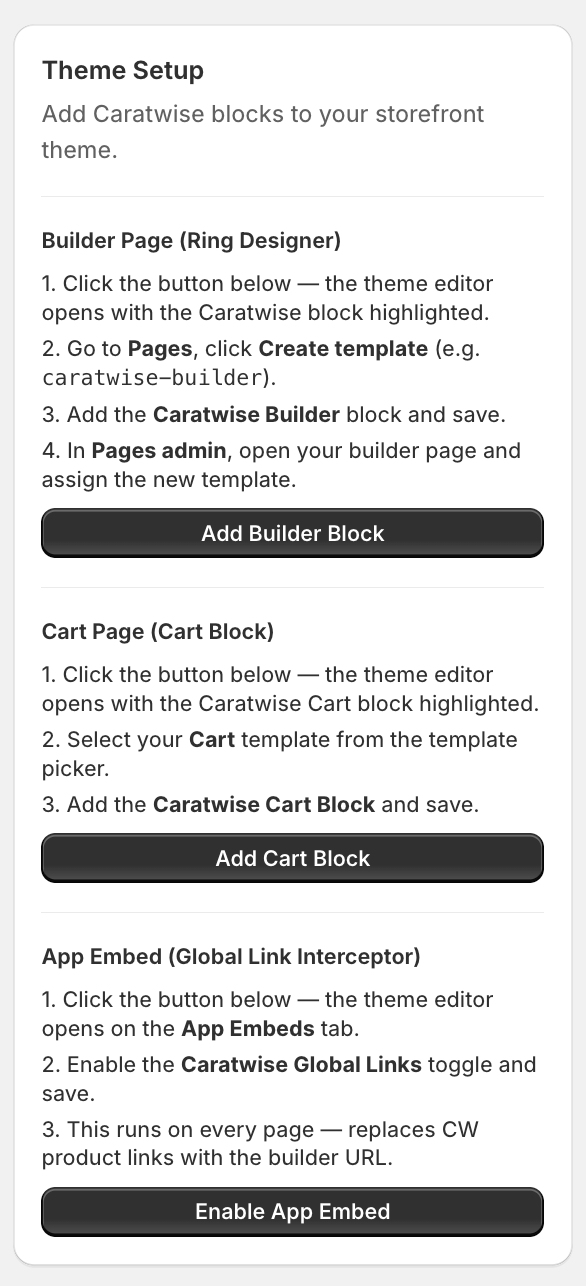
Builder Page (Ring Designer)
-
Click Add Builder Block in the Caratwise dashboard
-
The Shopify Theme Editor will open with the Caratwise block highlighted
-
Click Create template (e.g.
caratwise-builder)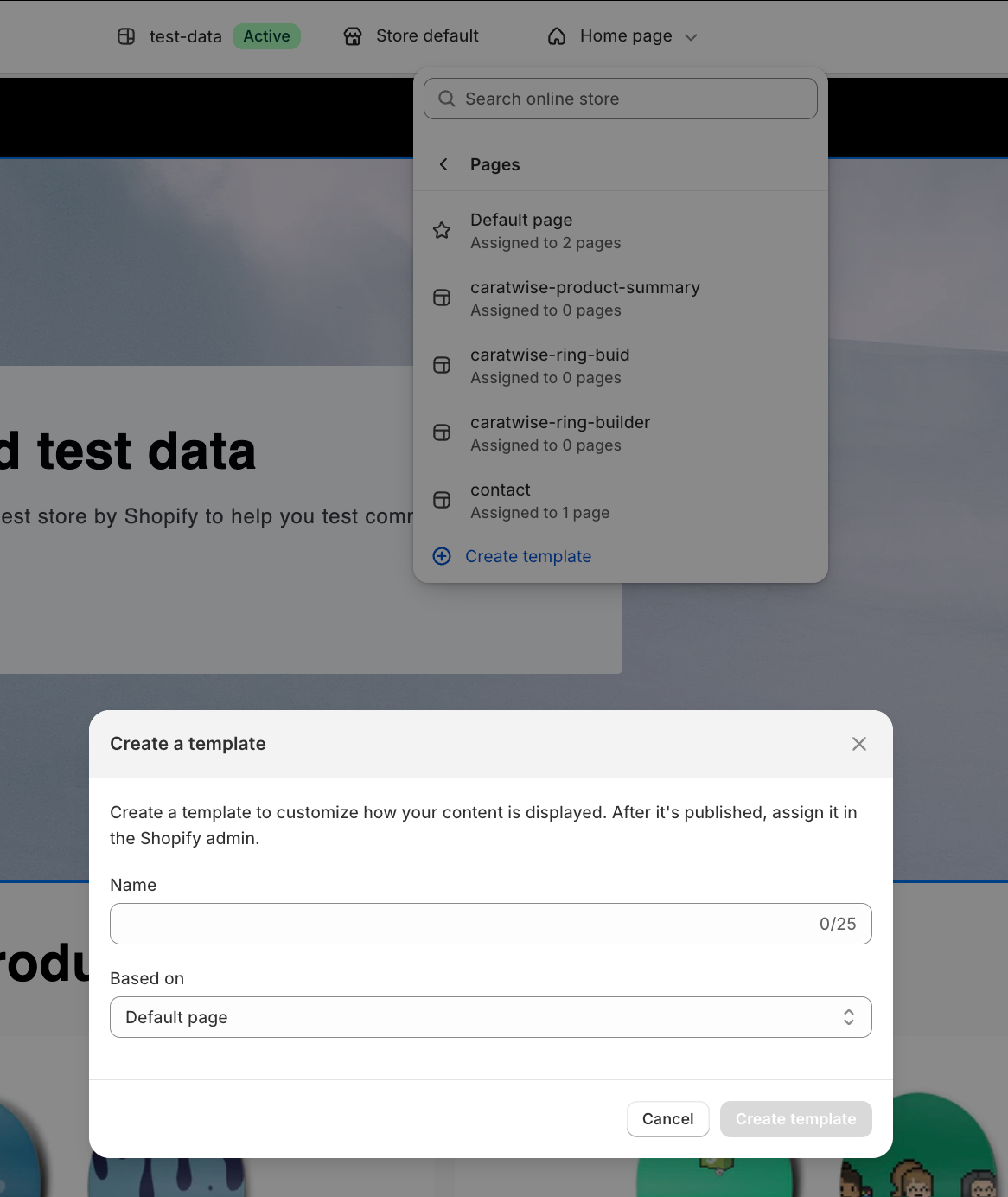
-
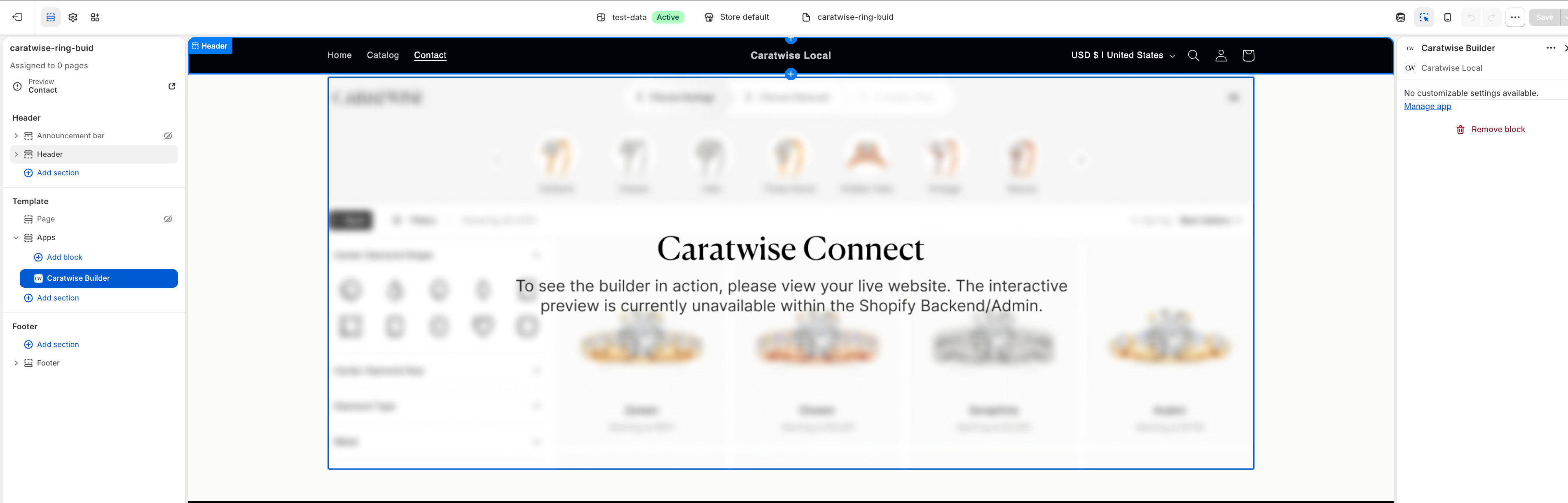
Add the Caratwise Builder block
-
Click Save
-
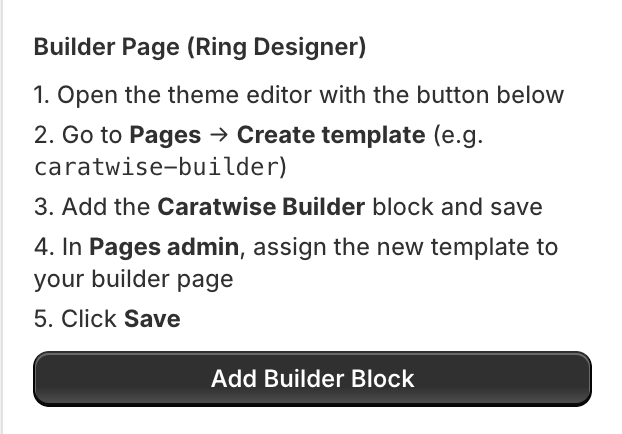
Go to Pages in Shopify Admin and assign this template to your builder page
Cart Page (Cart Block)
-
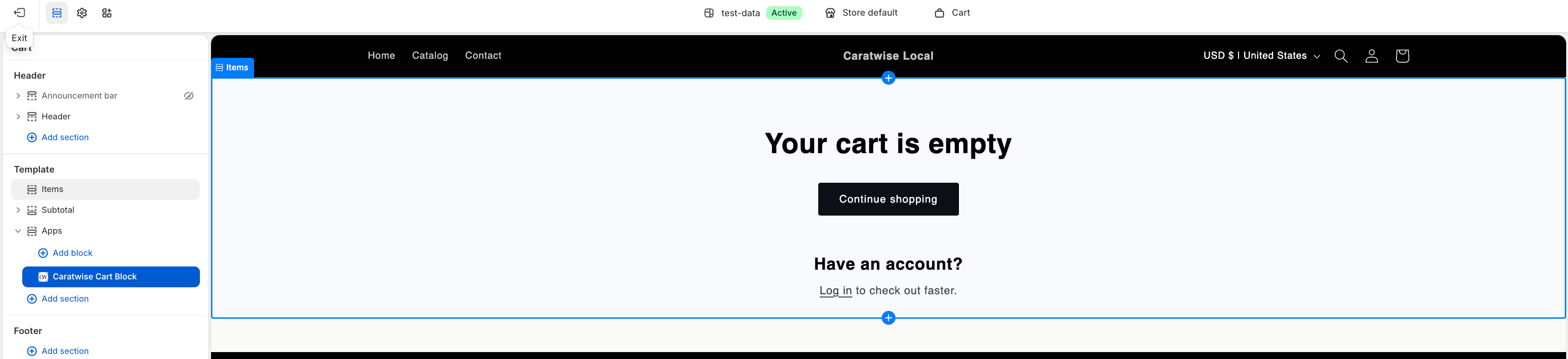
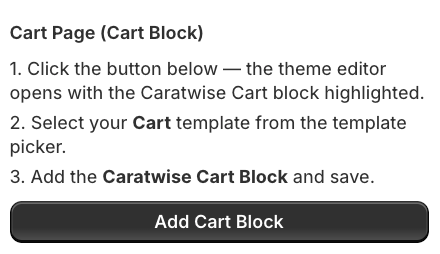
Click Add Cart Block in the Caratwise dashboard
-
The Theme Editor will open with the cart template
-
Select your Cart template
-
Add the Caratwise Cart Block
-
Click Save
Product Page (Edit Design Button)
-
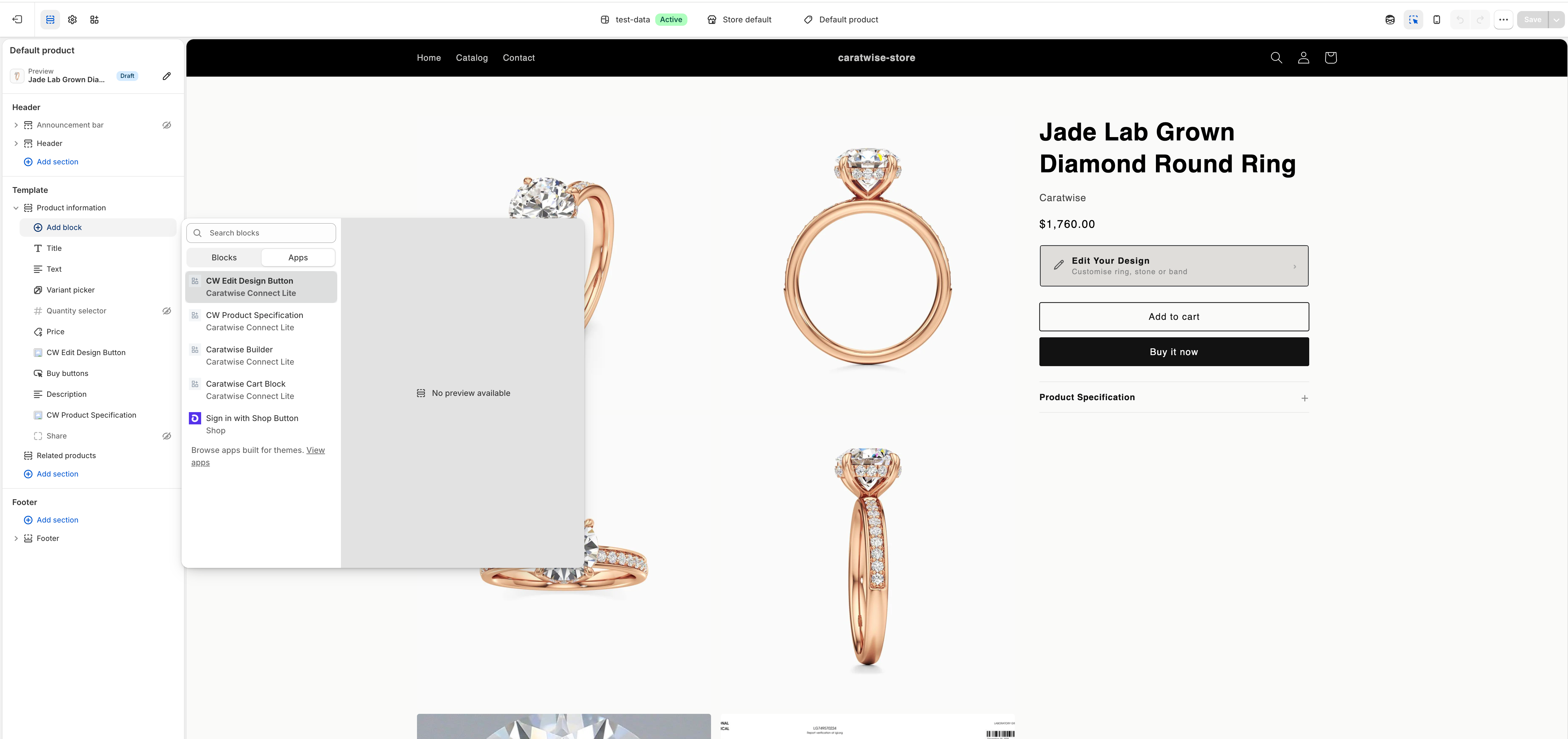
Open the theme editor with the button below
-
Go to Products → select your default product template
-
Add the CW Edit Design Button block and save
Product Page (Product Specification)
-
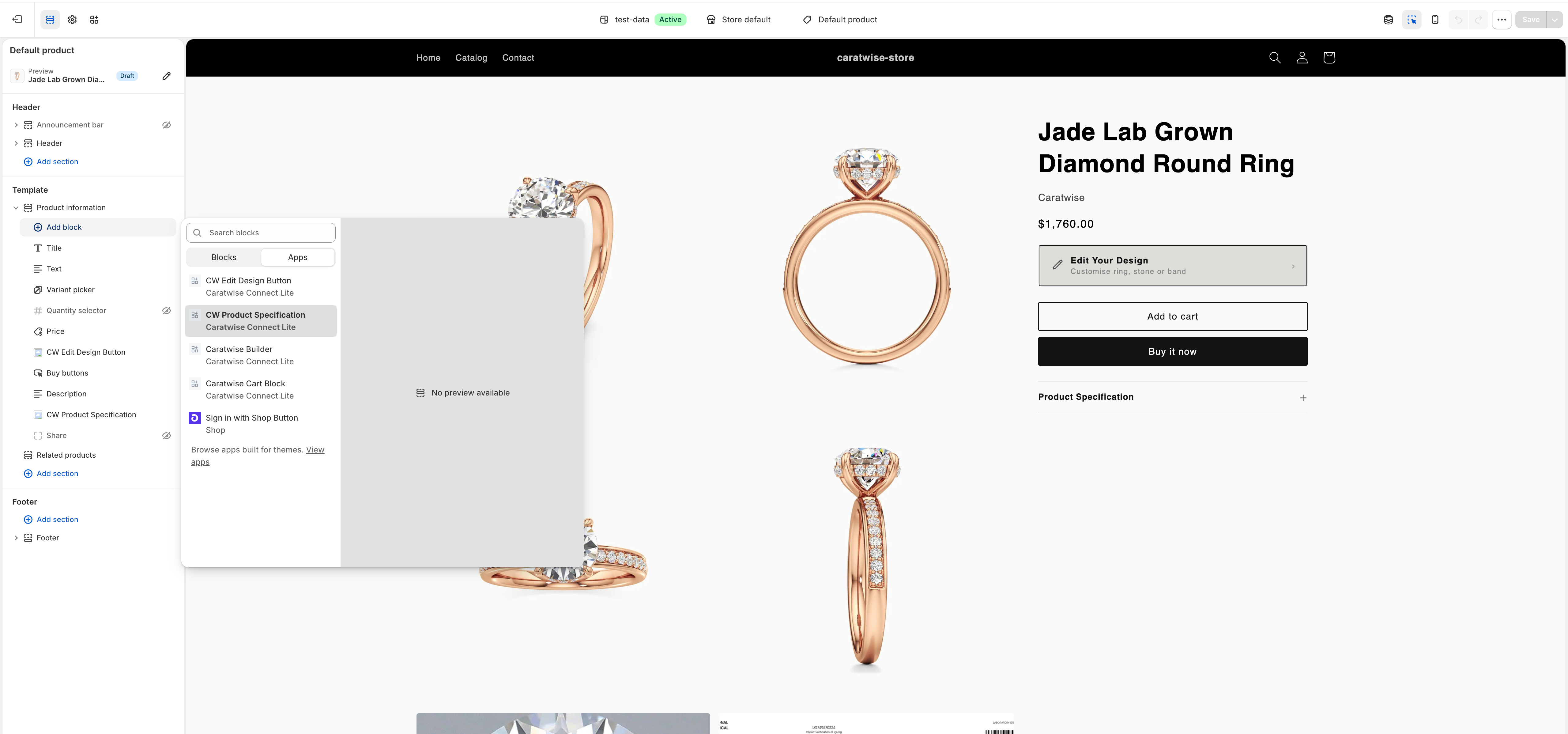
Open the theme editor with the button below
-
Go to Products → select your default product template
-
Add the CW Product Specification block and save
App Embed (Global Link Interceptor)
- Click the button below — the theme editor opens on the App Embeds tab.
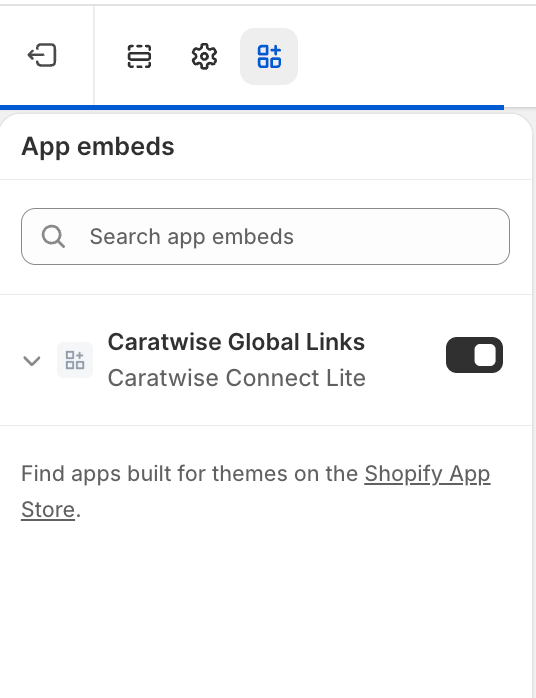
- Enable the Caratwise Global Links toggle and save.
- This runs on every page — replaces CW product links with the builder URL.